What is the Vidu S1 model?
Vidu S1 is the Best Stream Model, providing real-time, interactive next-gen video content creation — delivering smooth, seamless real-time performance for creators.
How can I interact with the character?
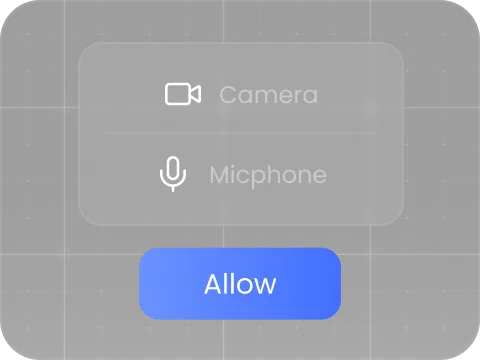
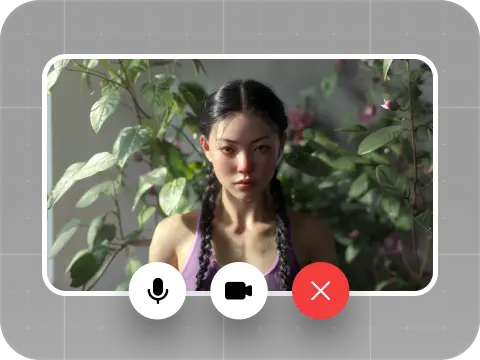
You can create your own character, or start a live call with one of the ready-made characters.
Can I create my own character?
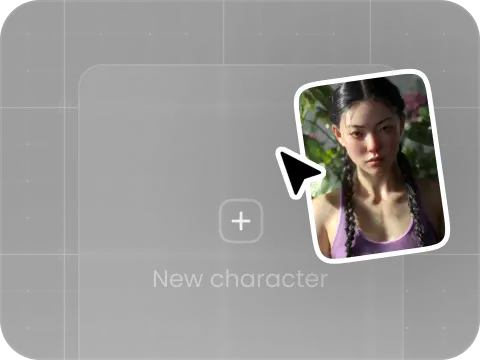
Yes. After logging in and verifying your account, upload your own photo, choose a voice or clone your own, and create a character to call.
What are the main features of Vidu S1?
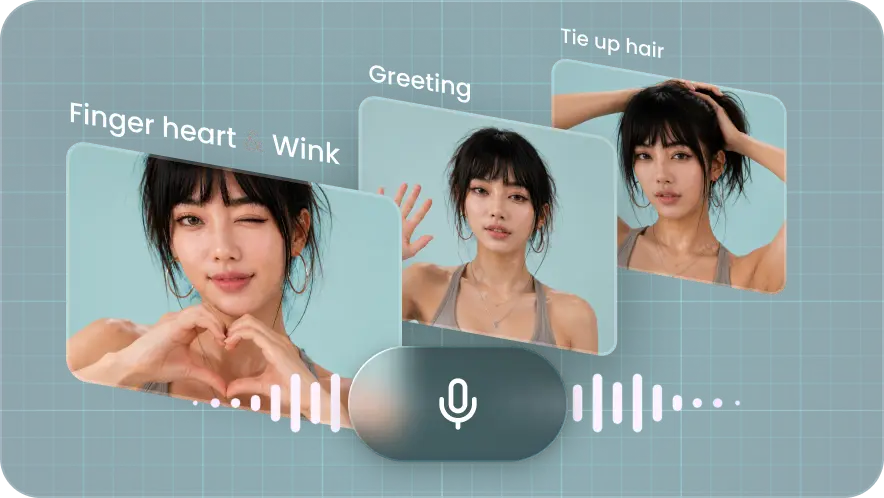
Voice-driven interaction — direct your character in real time.
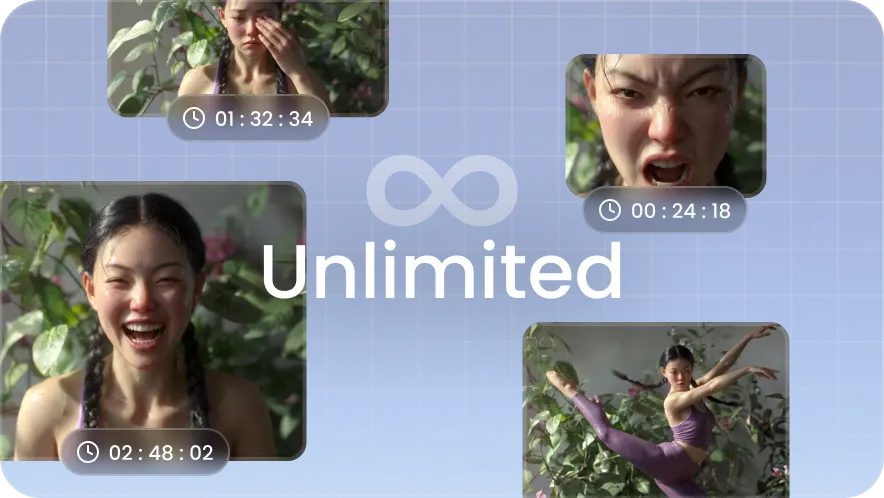
Limitless real-time generation — endless interactive sessions.
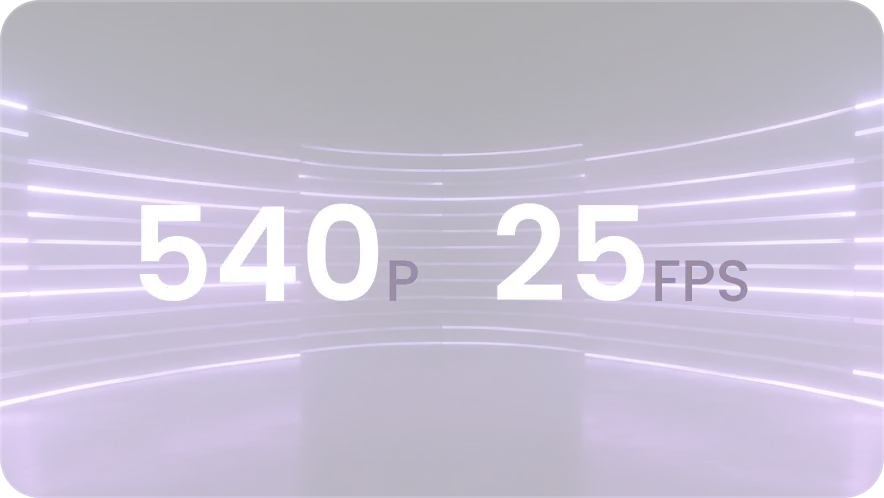
540P & 25FPS — zero-lag HD real-time video.
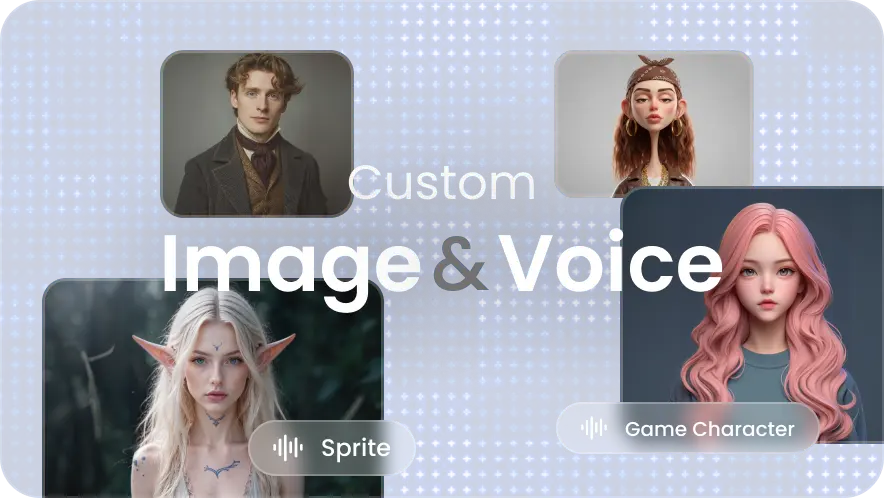
Customize character and voice — any image and voice.
How can I customize the digital human's voice?
System presets: pick a high-quality real or signature voice from the library.
Voice cloning: record your voice to clone it, letting the digital human speak in your voice.
How can I integrate the Vidu S1 model via API?